Pet Safe Spot pilot · Gila Bend
Lost & found pets
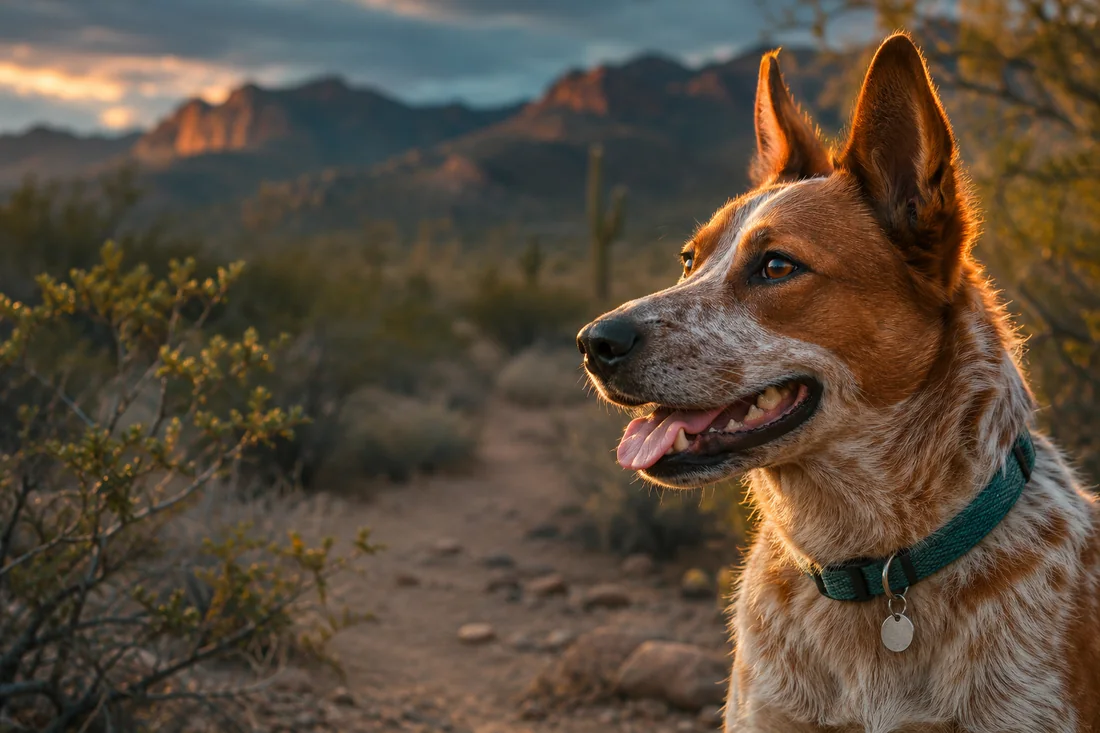
A Bluetooth collar tag can leave a clue when a pet goes missing. A nearby participating phone or listening station can hear the tag and give the owner a place to start looking.
Explore Pet Safe Spots
Gila Bend, Arizona
Gila Link connects nearby Android phones over Bluetooth. Send a message to a friend or check in with a neighbor when there’s no cell service or Wi-Fi.
Participating Android phones exchange messages over Bluetooth. Range depends on the devices, surroundings and nearby users; delivery is not guaranteed.
Add contacts before you need them and compare the safety code together. The Town channel is public; use private conversations for personal messages.
Install, grant the needed permissions and test with a second phone while you are together. Background operation and battery use vary by device.
Pet Safe Spot pilot · Gila Bend
A Bluetooth collar tag can leave a clue when a pet goes missing. A nearby participating phone or listening station can hear the tag and give the owner a place to start looking.
Explore Pet Safe SpotsMove the slider to see how a stronger reading narrows the search area. Bluetooth strength varies with obstacles and gives only a rough guide.
Gila Link is available on Google Play. Use the store link on this page to go straight to the correct app.
 Scan with your Android phone
Tap Get it on Google Play, then Install. Use the official listing for com.sonoranpalm.gilalink.
Open Gila Link on Google PlayOpen the app and complete the setup shown on your phone. Allow the nearby-device permissions needed for Bluetooth. Allow notifications if you want message alerts. Older Android versions may show a location permission for Bluetooth discovery.
Have both people install Gila Link. Add each other as contacts, compare safety codes and send a test message while you are close together. Prepare before you need offline messaging.
Add the people you want to reach before an outage. Both phones need Gila Link installed and Bluetooth enabled. Follow the contact instructions in the app and compare safety codes together.
Test a private message with a nearby friend. A downloaded app alone does not create a town-wide network: other participating phones must be reachable.
Check your phone's background settings if messages stop when the screen is off. Battery use and background behavior vary by device.
Some phone brands shut down background apps to save battery. Fix it once:
Samsung
Settings → Apps → Gila Link → Battery → Unrestricted
Motorola / Google Pixel / most others
Settings → Apps → Gila Link → App battery usage → Unrestricted
Xiaomi / Redmi / POCO
Settings → Apps → Manage apps → Gila Link → turn on Autostart, then Battery saver → No restrictions
OnePlus / OPPO / realme
Settings → Apps → Gila Link → Battery → Allow background activity
Get updates from the Gila Link listing in Google Play. Avoid uninstalling first: contacts and messages stored on your phone may be deleted. If you previously installed a website copy and cannot update, ask for help before removing it.
Use the Google Play button on this page. It opens the listing for com.sonoranpalm.gilalink directly. Google Play availability can depend on your country and device compatibility.
Both phones need Gila Link installed, Bluetooth enabled and the required nearby-device permissions. Move close together, open the app on both phones and try again. There is no guaranteed fixed range.
This release is for Android. An iPhone without a compatible Gila Link app cannot join the messaging network.
A website copy and the Google Play release can have different signing certificates. Do not uninstall without checking your options: locally saved contacts and messages may be lost.
Gila Link, also written GilaLink, is an Android Bluetooth messenger created in Gila Bend, Arizona. It helps nearby participating phones exchange messages without mobile data or Wi-Fi.
Nearby Bluetooth messaging does not require an active mobile service plan. Both people need a compatible Android phone with Gila Link installed, Bluetooth enabled and a reachable connection. Downloading and updating the app requires internet access.
Its nearby Bluetooth messaging can work without internet or Wi-Fi when participating phones are reachable. It does not provide internet access or send regular carrier SMS messages.
There is no fixed or guaranteed distance. Phone hardware, obstacles, background settings and reachable participants affect connectivity. Test with the people and devices you plan to use.
Gila Link was built in Gila Bend, Arizona. Nearby participating phones can use Bluetooth messaging in other places too. Installing it does not mean a community network already exists in your area.
The app has private conversations and a public Town channel. Treat Town posts as public and compare contact safety codes before sharing personal messages.
No. An SOS is a message to reachable app participants, not a dispatch to emergency services. Call 911 when you can; Gila Link does not replace emergency communications.
Use this page's Google Play buttons for the official package com.sonoranpalm.gilalink. No tester group is needed for the public listing, subject to Google Play country and device availability.
Gila Link began with a local need: another way for neighbors to communicate when coverage is unavailable. Use it with family, friends or a group in the same area. Get everyone set up ahead of time and test Bluetooth messaging where you plan to use it.
Gila Link is an independent community app from Sonoran Palm Soloutions LLC. It is not a government service or an emergency dispatch system.
Go straight to the official Android listing. Install Gila Link and invite someone nearby to set up and test with you.
0 people reported installing Gila Link on this website.